
Appearance
Render Modes
MN Strip Studio offers two rendering engines. Toggle between them at the top of the left panel.
3D PBR
Photorealistic rendering with physical materials, lighting and reflections. Your controls look like real metal, plastic or glass objects. Includes bloom/glow effects, shadow casting, environment map reflections and camera perspective.
Use 3D PBR when you want hardware-style realism. Works well with the material presets (gold, chrome, piano black, carbon fiber, wood and so on).
2D Classic
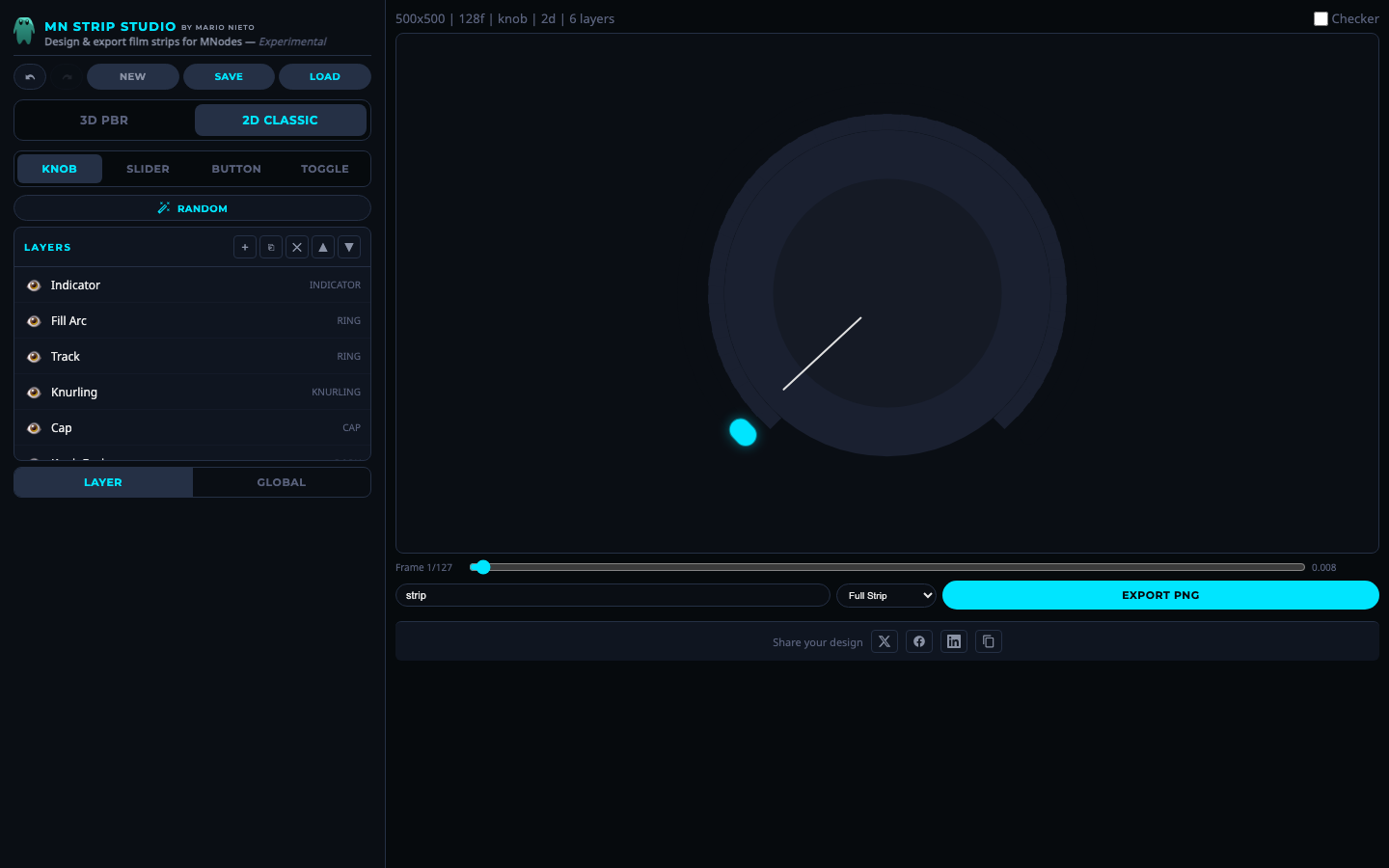 2D Classic rendering mode.
Clean flat graphics using fills, gradients, outlines and glow. Includes gradient fills (linear, radial, conical), pattern fills, bevel effects and stroke options.
Use 2D Classic when you want a modern flat look, or when you need smaller file sizes and sharper edges. Lighting and PBR settings are replaced by simpler stroke, bevel and glow controls.
Which should I pick?
- 3D PBR for hardware emulation, tactile-looking instruments, skeuomorphic designs.
- 2D Classic for modern UI, flat/minimal themes, high-contrast colorful designs.
Layer types are mostly shared between the two modes, but a few properties only apply to one (e.g. Bevel, Profile, Height are 3D-only; Gradient/Bevel/Stroke blocks are 2D-only).