
Appearance
Presets & Randomize
Two fast ways to kick off a design without building from scratch.
Presets
A library of ready-made designs is built in, shown as a grid of small previews. Click one to apply it. Each control type has its own set of presets. Presets are a great starting point that you can customize further.
Randomize
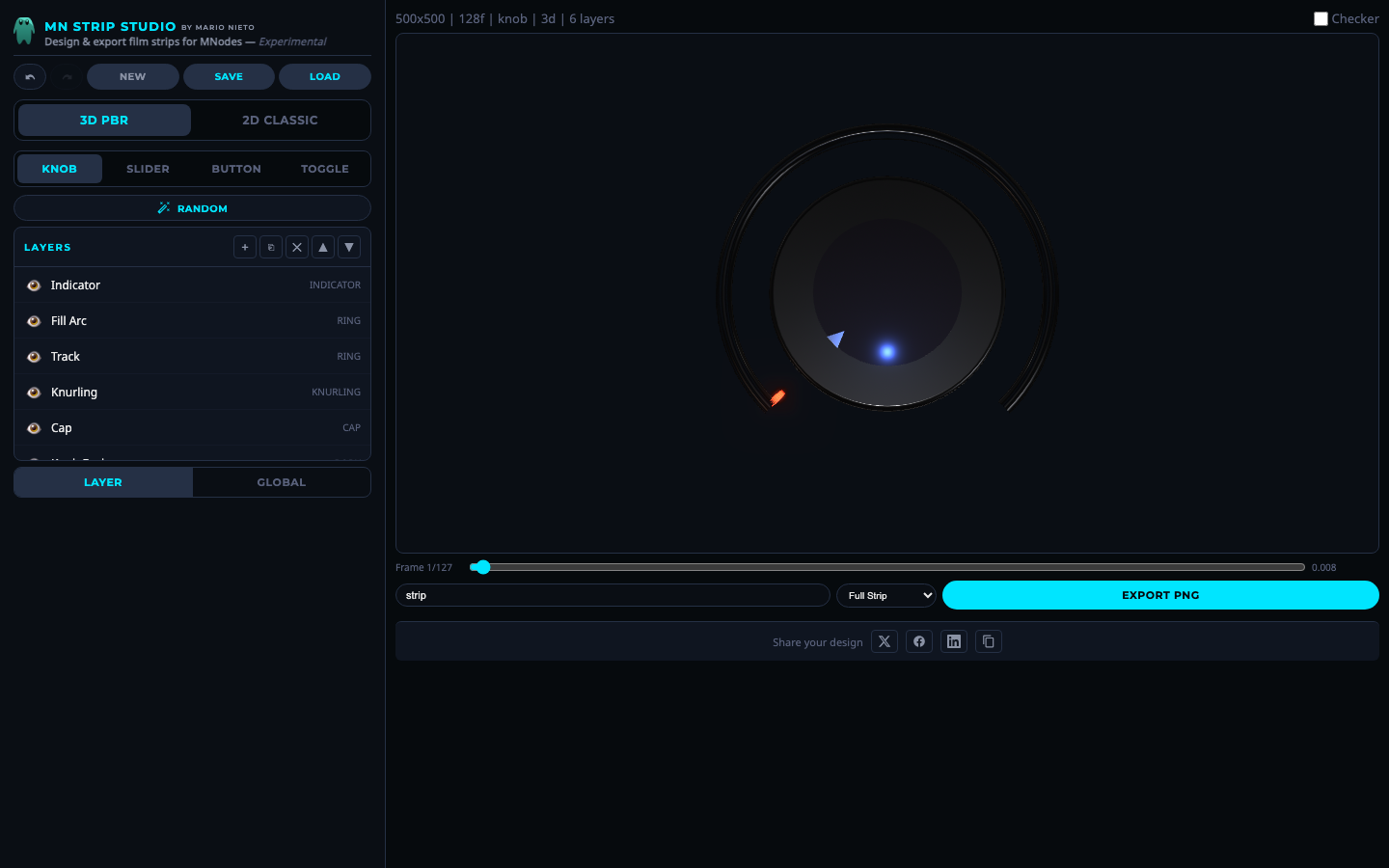 A randomly generated knob design.
Click the Random button to generate a completely new design with random layers, colors, materials and settings. Every click produces a unique result. If you do not like the result, just press Undo.
Undo / Redo
Every change you make pushes to an undo stack (up to 60 levels). Use the Undo and Redo buttons in the toolbar to step through your history.